Prioritize client feedback with the client in the room
You can use Prioritas to prioritize client feedback and research findings with the client in the room. Client stakeholders join by scanning a QR code, with no account, and add ideas from their phones.
Start freeTry the matrix, no sign-up
How do you run a client prioritization session?
Prepare the client’s material before the session, let every stakeholder add ideas from their phone, then place everything on one matrix together and leave with a roadmap the client can review.
- Before the session, upload the client's feedback documents, photos of workshop walls and short interview recordings (up to 25 MB).
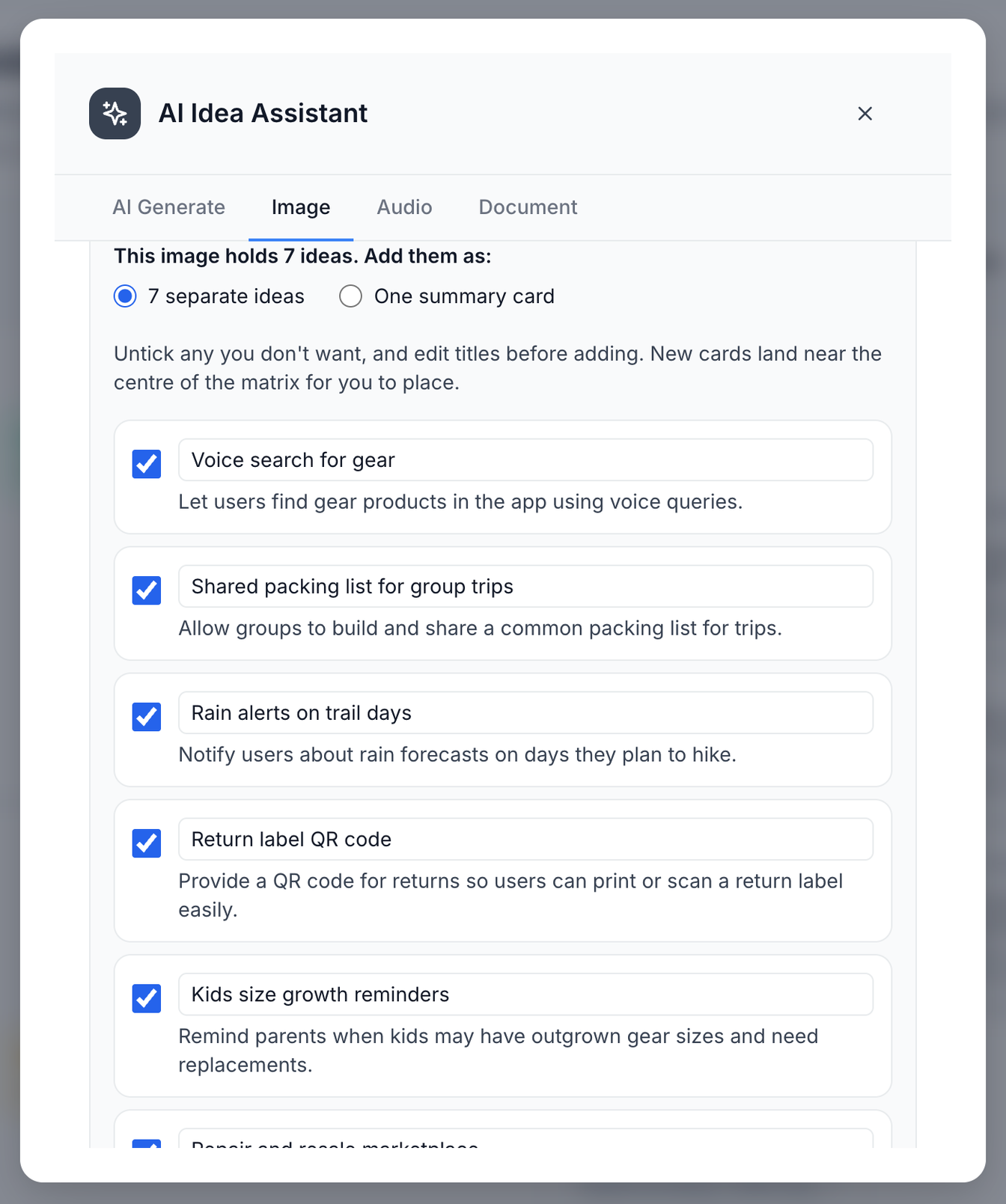
- AI turns the ideas in photos, recordings and text-based documents into cards you choose from.
- In the session, client stakeholders scan a QR code and add their own ideas from their phones.
- Place each idea on the impact-effort matrix together, and talk through the ones where people disagree.
- Turn the quick wins and strategic bets into a roadmap, and export it as a PDF for the client to review.
Running the session itself? Run a prioritization workshop covers the agenda and timings.
The format follows established practice. GV's design sprint sets aside a day for a team to decide which ideas have the best chance of reaching the long-term goal (GV: The Design Sprint). Nielsen Norman Group describes a prioritization matrix as a two-dimensional visual that compares items on two criteria, the same idea as placing client feedback by impact and effort (Nielsen Norman Group: Using Prioritization Matrices to Inform UX Decisions).
What can AI read from the client’s material?
AI can analyze these file types: text, PDFs, images, audio recordings and video. For a photo, a recording, or a text-based PDF, Word (.docx), text or Markdown file, Prioritas turns the ideas in it into cards you choose from. Older .doc files and scanned PDFs can't be read for ideas yet. Video is analysed only in the AI Starter, when you start a project on a desktop.
How do you work with the client in the project?
You can invite a client contact to a project as a viewer or an editor. Invited contacts sign in with their own account. Editors can add and move ideas and attach files; viewers can read files and roadmaps but can't add or move ideas in the project. Owners, editors and viewers; every request is checked on the server, never just in the browser.
- Agree what sign-off means before the session. Decide with the client who makes the call and what they are signing off on, such as the quick wins for the next phase.
- Bring the client's words, not your summary. Feedback documents and interview recordings keep the discussion on what users and stakeholders said.
- Keep one matrix per client goal. An idea can matter for one goal and not another, so give each goal its own matrix.
What does a client session look like?
- Say your agency is redesigning a retailer’s checkout, and the client’s product, support and marketing leads are in the room.
- The day before, you upload the client’s support summary, three interview recordings and a photo of last month’s workshop wall, and keep the ideas worth discussing.
- In the session, the eight stakeholders scan the QR code and add the ideas they came with, next to the ones from the material.
- Placing the ideas takes most of the hour: the debate tends to be about effort, where the client knows their systems and you know the build.
- You close by agreeing which quick wins the next phase starts with, and who on the client side signs them off.
- Afterwards you export the roadmap as a PDF and send it with your proposal for the next phase.
What are the limits?
- A session takes up to 50 participants.
- While 50 people are in the session, the next person to join sees that it's full.
- A mobile session stays open for an hour.
- A client contact you invite to a project counts as a team member.
What if the session doesn’t go to plan?
- If the client’s team is bigger than the Team plan’s 15 members, invite only the people who need to edit, and bring everyone else into the session by QR code, where they don’t count as members.
- If a stakeholder can’t make the session, upload their notes or a short recording beforehand so their ideas are on the board.
- If the client disputes a placement afterwards, an editor can move the card in the project and you can export the roadmap again.
What does it cost an agency?
The Free plan covers 1 project with 3 team members and 20 AI actions a month. The Team plan covers 10 projects and 15 team members, with no monthly AI limit (hourly rate limits apply), for $29 a month or $290 a year. Session participants who join by QR code do not count as team members. A client contact you invite to a project counts as a team member.
Questions
Do client stakeholders need an account to join a session?
No. People join a session by scanning its QR code and can add ideas straight away. Only the facilitator needs a Prioritas account.
How does the client see the roadmap?
You can export the roadmap as a PDF and send it. A client contact you invite as a viewer can read files and roadmaps in the project.
Who can use Prioritas?
Prioritas is for people 18 and over.
Start freeTry the matrix, no sign-up
Last updated: · By The Prioritas team