Run a prioritization workshop where everyone joins by phone
Run a live brainstorm where everyone adds ideas from their phone by scanning a QR code, no account needed. A session takes up to 50 participants. Only the facilitator needs a Prioritas account. Agree impact and effort together, then turn the quick wins and strategic bets into a roadmap you can export.
Start freeRead the impact-effort guide →
What does a one-hour prioritization workshop look like?
Five steps in about an hour: introduce the goal, collect ideas, read them out, place them on the matrix, and decide. The times below are suggestions; adjust them to your group.
| Step | What happens | Suggested time |
|---|---|---|
| Introduce the goal | Write the one goal for the session where everyone can see it. | 5 min |
| Collect ideas | Everyone scans the QR code and adds ideas from their phone. Quantity first, no judging. | 10–15 min |
| Read the ideas out | Clarify anything unclear so the room shares one meaning. | 10 min |
| Place the ideas | Put each idea on the impact-effort matrix, discussing the ones where people disagree. | 15–20 min |
| Decide | Agree the quick wins to start with and who takes each next step. | 10 min |
The agenda borrows from established methods. GV's design sprint is a five-day process that sets aside a day to decide which ideas have the best chance of reaching the long-term goal (GV: The Design Sprint). Nielsen Norman Group describes a prioritization matrix as a two-dimensional visual that compares items on two criteria, which is what the impact-effort matrix does with impact and effort (Nielsen Norman Group: Using Prioritization Matrices to Inform UX Decisions).
A worked example: 30 people, one goal
- Say a team of 30 meets to choose what to fix first in their customer onboarding.
- The facilitator writes the goal on the screen: fewer new customers stuck in their first week.
- Everyone scans the QR code and adds ideas for 12 minutes, and the board ends up with about 60 cards.
- Reading them out takes another 10 minutes, and the room agrees which cards say the same thing.
- Placing takes 20 minutes. Most cards land quickly; the time goes on the five or six that people disagree about, such as a setup wizard that some see as months of work and others as a week.
- The session ends with three quick wins, each with an owner, and two strategic bets for the roadmap.
How do people join and add ideas?
People join a session by scanning its QR code and can add ideas straight away. Ideas arrive on the board the moment someone submits them, from any phone or laptop. Participants pick where their idea fits on the matrix, or choose Not sure and the host places it. Facilitators can pause and resume a session, or end it. A mobile session stays open for an hour. Turning mobile join on again before then extends it; after it expires, it starts a new session with a new QR code.
- Keep one goal per session. Impact only means something against one goal. A second goal deserves its own matrix.
- Collect before you discuss. You can ask everyone to add their ideas before anyone talks, so the first voice doesn't set the direction.
- One idea per entry. Short ideas are easier to place than paragraphs that hold three ideas.
- Pause to change gear. You can pause the session while the room reads the ideas out, then resume it if new ideas come up.
- Time-box the placing. Agree the clear cases quickly and spend the time on the ideas people disagree about.
What if something goes wrong?
Most problems have a quick fix, and a lost connection sorts itself out:
- If someone can't scan, the QR dialog also shows the session's join link with a Copy link button, so you can send it to them.
- While 50 people are in the session, the next person to join sees that it's full.
- If a phone loses its connection while sending an idea, it keeps the idea and sends it once by itself when the connection comes back; if that resend fails, the participant can send it again.
- If the facilitator's screen loses its live connection, it checks for new ideas every few seconds until the connection comes back.
What happens after the workshop?
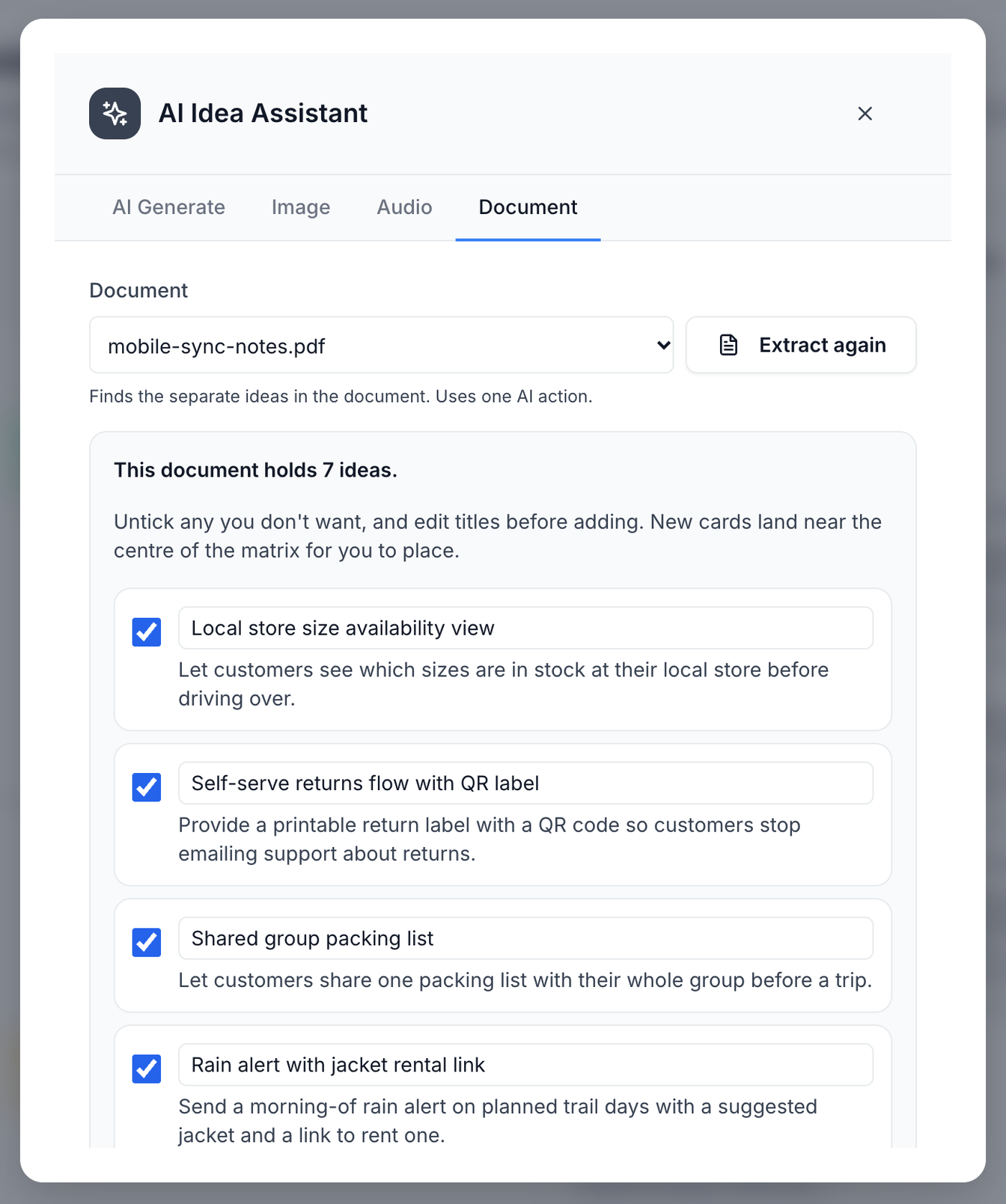
You can turn the quick wins and strategic bets into a roadmap and export it as a PDF. You can attach photos of flip charts or a short recording (up to 25 MB) of the discussion afterwards. For a photo, a recording, or a text-based PDF, Word (.docx), text or Markdown file, Prioritas turns the ideas in it into cards you choose from.
New to the matrix? How to run an impact-effort session covers scoring, a step-by-step session and common mistakes, with worked examples.
What it costs
The Free plan covers 1 project with 3 team members and 20 AI actions a month. Session participants who join by QR code do not count as team members.
Questions
Do participants need an account?
No. People join a session by scanning its QR code and can add ideas straight away. Only the facilitator needs a Prioritas account. A session takes up to 50 participants.
Who can join a workshop?
Adults in a facilitated session: teams, workshop groups and adult learners. Prioritas is for people 18 and over.
How do I place ideas on the matrix?
Ask how much each idea would move the goal (impact) and what it would cost (effort), then place it and compare it with its neighbours. The impact-effort guide walks through it step by step.
Last updated: · By The Prioritas team